Why Are My Photos Blurry? Diagnose It in 4 Steps
Blurry photos almost always come from one of three things: camera shake, subject motion, or missed focus. Each leaves a different fingerprint, so you can tell which one you have in about a minute. Work through the four checks below in order. Most people find the cause by step two.
Step 1: Look at the blur itself
Zoom to 100% on a photo that failed and ask what is soft.
| What you see | Likely cause |
|---|---|
| Everything is soft, with a faint double image or streaks all in one direction | Camera shake |
| The background is sharp, but the moving subject is smeared | Subject motion (shutter too slow for the subject) |
| One plane is sharp, such as the wall behind the person, and the subject is soft | Missed focus |
| Everything is soft but without direction, in a flat way | Dirty lens, fog, or a filter or case in the way |
This table saves most of the guessing. Shake and motion are shutter-speed problems. Missed focus is a focus-mode or focus-point problem.
Step 2: Check your shutter speed
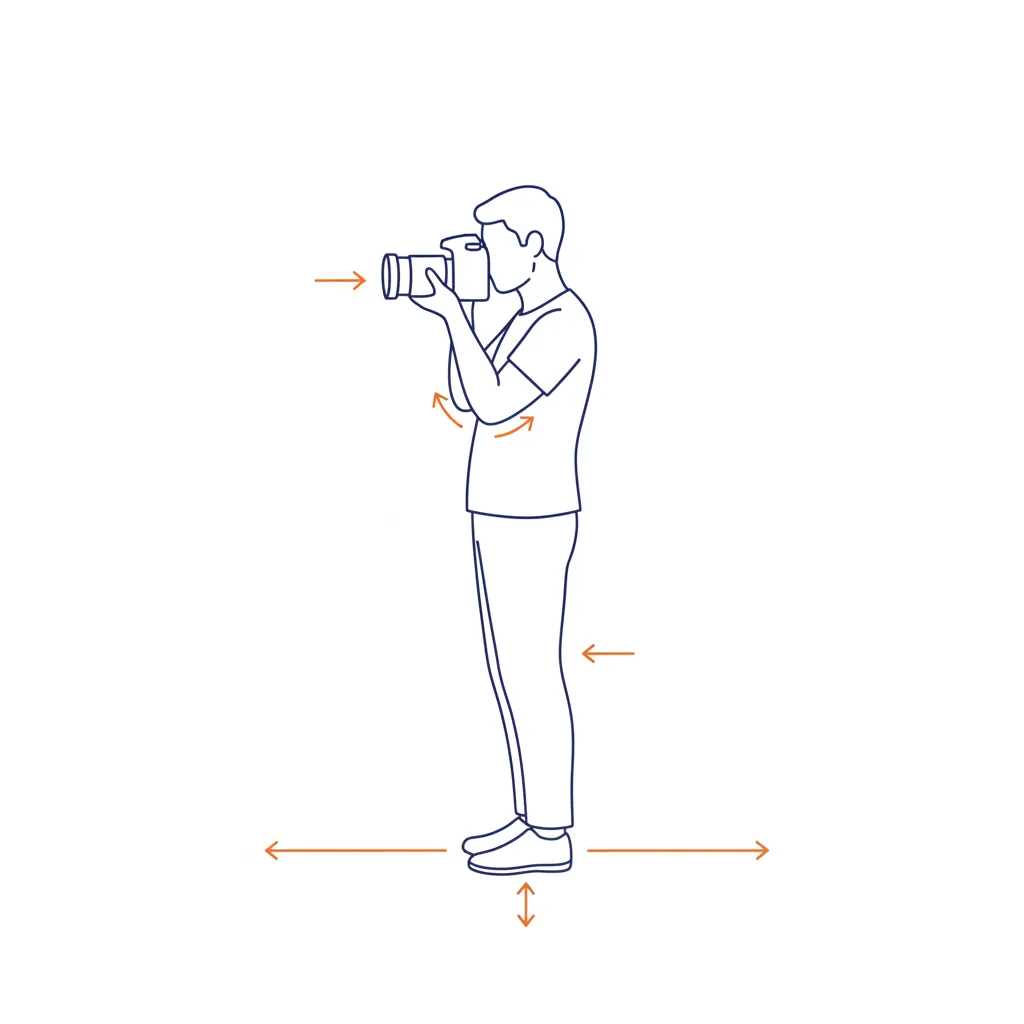
For shake, the handheld rule is the fastest fix. Use a shutter speed of at least one over your focal length: 1/50s at 50mm, 1/200s at 200mm. On a cropped sensor, multiply the focal length by 1.5 or 1.6 first. Image stabilization buys you a few stops of margin for your own shake, but it cannot freeze a subject that is moving.
For moving subjects, match the speed to the action:
- Walking people and kids: around 1/250s
- Sports and birds: 1/1000s or faster
- Running kids: 1/500s or faster, since 1/60s is far too slow
Motion toward or away from you needs a slower speed to freeze than motion across the frame.
If the shutter speed on a failed photo reads 1/30s or slower, you have found your problem. Dim light made your camera choose a slow speed on its own.
Step 3: Check focus
If shutter speed was fine, look at where the camera focused.
- Focus mode. Single-shot autofocus (AF-S) locks once and suits still subjects. Continuous autofocus (AF-C) tracks movement. Using AF-S on a walking child gives a sharp background and a soft child.
- Focus point. Switch to a single point and place it on the eye or the nearest important edge. A wide-area mode can grab a closer or higher-contrast object instead.
- Aperture. At a wide opening such as f/1.8, the zone of sharpness can be thin as paper, so a small shift in position moves the eye out of focus. Close down to f/4 or f/5.6 for a safer margin.
- Minimum focus distance. Every lens has a closest distance it can focus. Closer than that, it hunts and fails.
Step 4: Rule out the simple stuff
- Wipe the front element. A fingerprint or phone-pocket film softens everything.
- Turn stabilization off on a tripod. On many lenses it can introduce a slight wobble when nothing is moving.
- Press gently. Squeeze the shutter button like a trigger, and exhale as you press.
- Use a 2-second timer for tripod shots to remove the shake of your finger.
- Check ISO. A very low ISO in dim light forces a slow shutter. Raise it.
A quick test you can do tonight
Set your camera to shutter-priority mode and photograph a street sign across the room at 1/500s, 1/100s, 1/30s and 1/8s. Zoom in on each. The speed where sharpness starts to break down is your personal handheld limit for that lens. Write it down, because it beats any rule of thumb.
Also try the burst trick: shoot a quick burst of three frames and keep the sharpest one, since shake varies from frame to frame.
How ShotCraft Field Cards helps
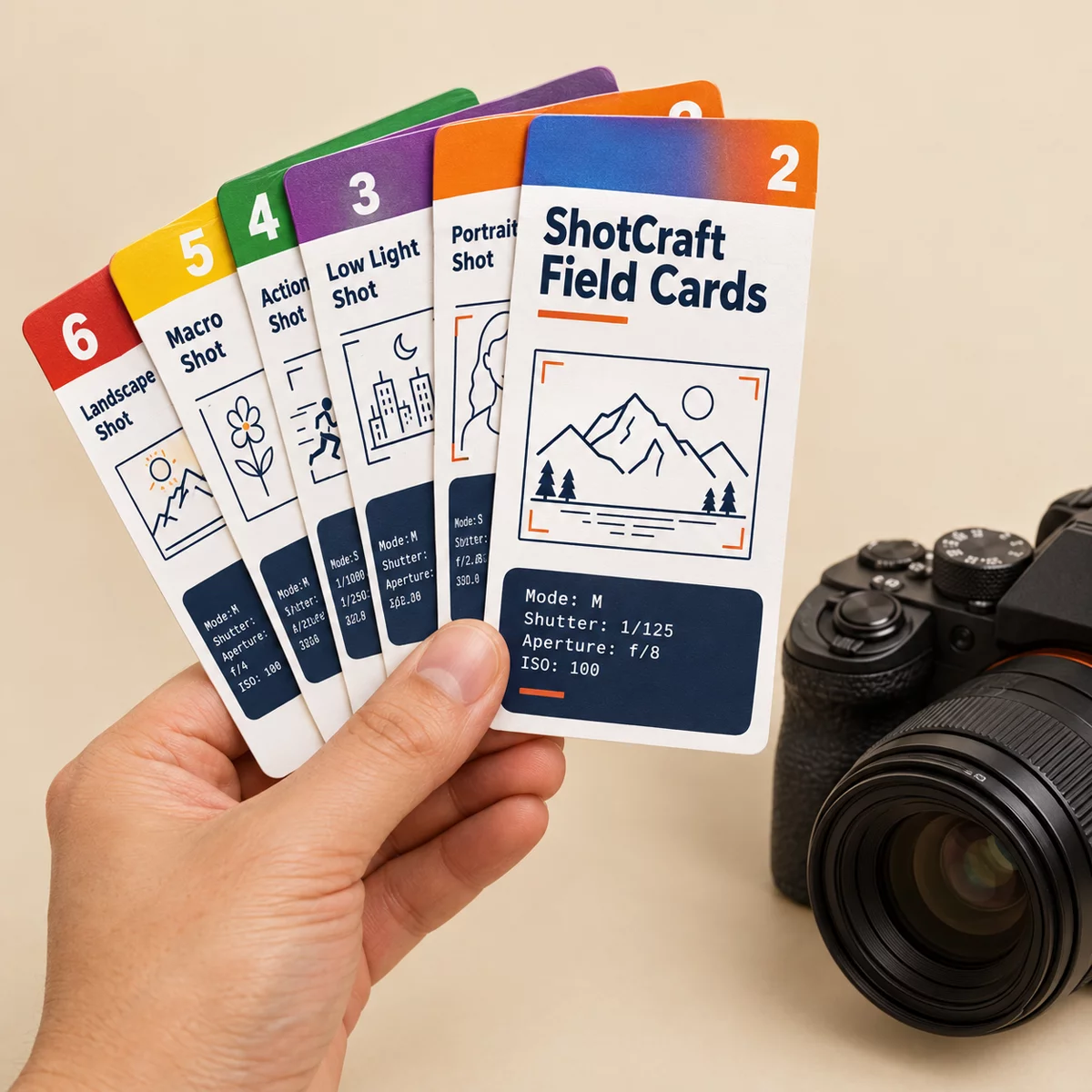
Two cards in the set deal with this problem head-on. Beat Blur: The Handheld Rule walks through the one-over-focal-length rule, the crop-sensor adjustment and when stabilization does and does not help, with a five-frame test to find your own limit. Shutter Speed Freezes or Blurs lists the speeds for sports, kids and walking people, plus the slow speeds for silky water. Print the cards at A5 or US Letter and keep them in your bag, so the answer is in your pocket when the light drops. The one-page Quick Settings Sheet sums it up for a quick check before you shoot.
Where to go next
Blur is often the first symptom of not yet seeing how the three exposure settings trade off. The exposure triangle guide explains how shutter speed, aperture and ISO work together. If your subject is soft while the background is crisp, read about aperture and depth of field. To stop repeating the same mistake, keep a shot log of the settings behind your sharp frames. For a short list of the few settings that matter most, see the camera settings cheat sheet.